(FREE) 3D Animated Popping Vein
- ダウンロード商品3D Animated Popping Vein¥ 0無料ダウンロード3D_Expression_Popping_Vein.zip(1.02 MB)3D_Expression_Popping_Vein.zip
- ダウンロード商品💖 Support / ご支援版¥ 100
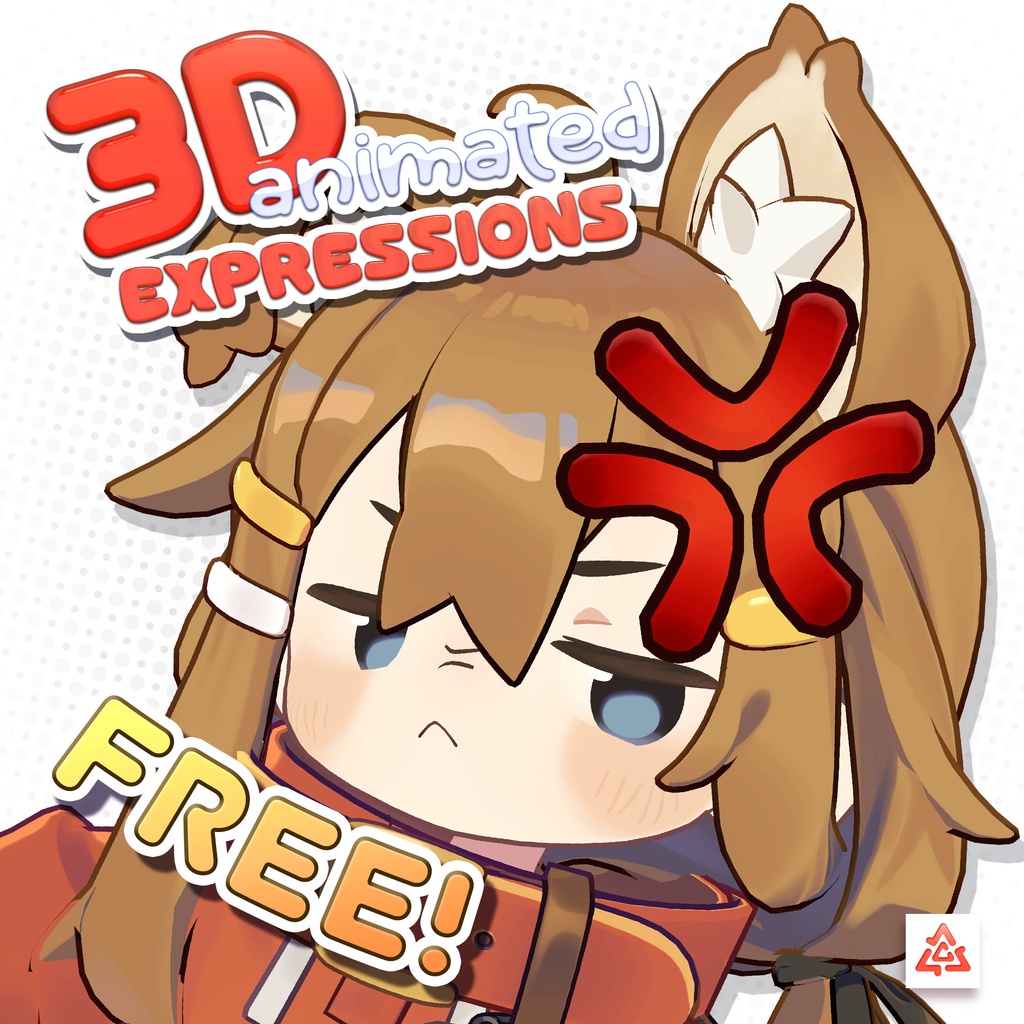
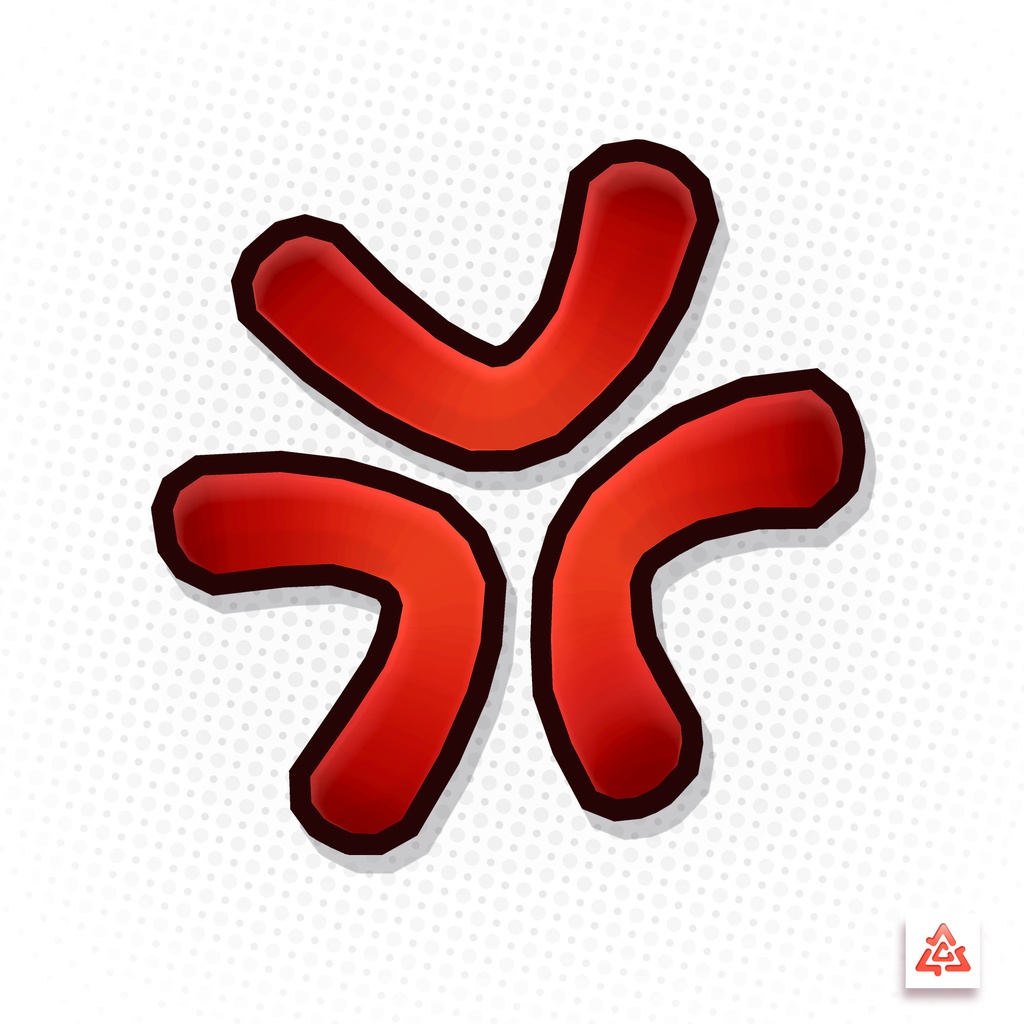
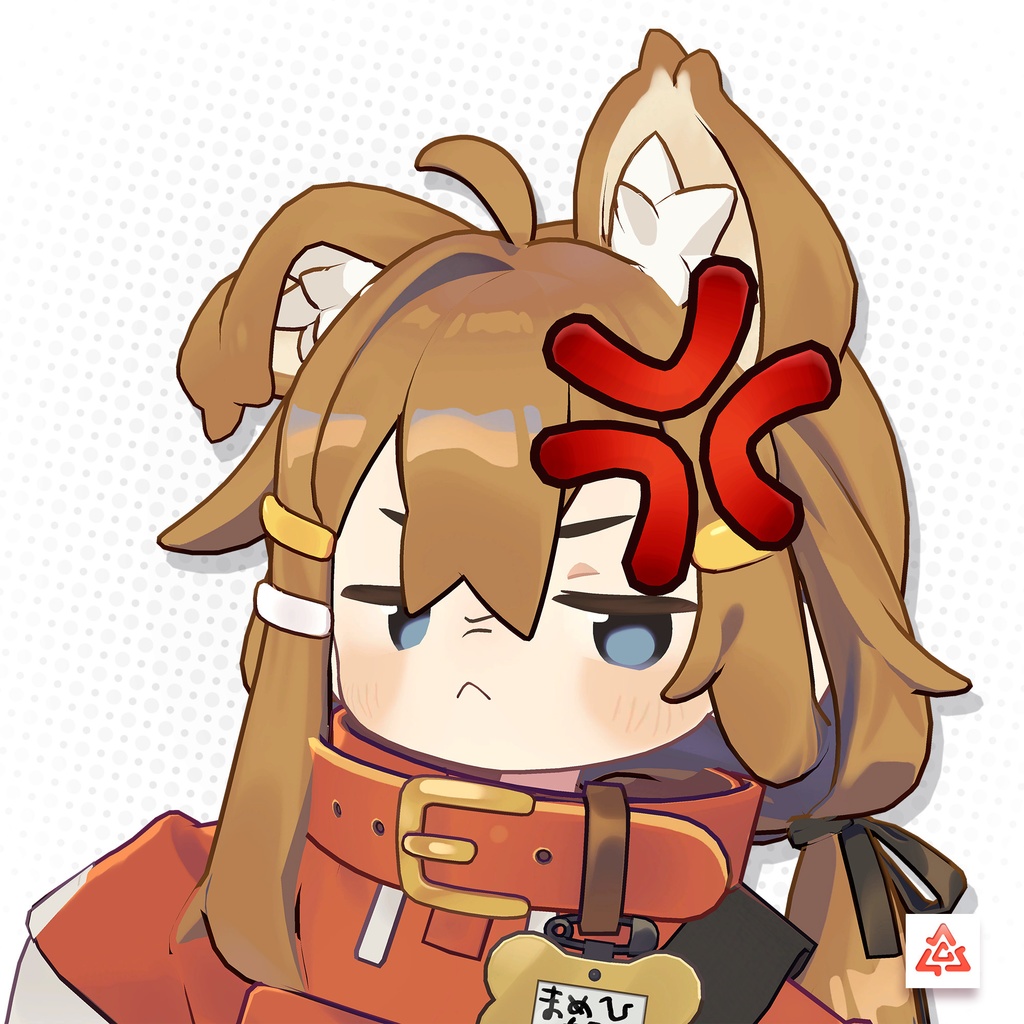
🎉 Thank you for 2000 followers! Enhance your range of expression with this 3D animated popping vein! - VRCFury and Modular Avatar support! - Simply position the item where you want with no additional setup! 機械翻訳: 🎉 2000フォロワーありがとうございます! この3Dアニメーションの浮き出る静脈で、表現の幅を広げましょう! ・VRCFury & Modular Avatar 対応! ・追加の設定不要!好きな位置に配置するだけ! This item is part of a "3D Animated Expressions" series, so if you like it consider checking out the rest of the collection: このアイテムは「3Dアニメーション表情」シリーズの一部です。気に入ったら、ぜひ他のコレクションもチェックしてみてください! Volume 1: https://deltawerkz.booth.pm/items/6732885 Volume 2:https://deltawerkz.booth.pm/items/6762100 Volume 3: https://deltawerkz.booth.pm/items/6791035 Volume 4: https://deltawerkz.booth.pm/items/6823717 Popping Vein: https://deltawerkz.booth.pm/items/6732988
VRCFury and Modular Avatar Details:
VRCFury and Modular Avatar installation options are supported. Both options offer a hassle free set-up. However, Modular Avatar requires a little manual tweaking in order to merge the menus of additional packages. IMPORTANT: - Do not rename the parent object "3DExpression_AngerAlt", nor the object inside it, otherwise the animations may not function correctly. - VRCFury (Recommended): Simply drop the prefab inside your avatar and adjust the positioning of the parent "3DExpression_AngerAlt" object to your avatar's head region. The positioning of the vein can then be adjusted to suit your tastes. After you are satisfied, you can disable the vein object to hide it from view. Ensure you do not disable the parent object by mistake instead. When adding additional packages, the menus should be merged correctly automatically. - Modular Avatar: Simply drop the prefab inside your avatar and adjust the positioning of the parent "3DExpression_AngerAlt" object to your avatar's head region. The positioning of the vein can then be adjusted to suit your tastes. After you are satisfied, you can disable the vein object to hide it from view. Ensure you do not disable the parent object by mistake instead. In order to merge the menus of additional packages navigate to the "MA Menu Installer" component within the additional package and change the "Install To" target to "3D Expressions" on any packages you wish to install beyond the first. Then change the "Menu to Install" to the respective "Merge" menu. In this scenario you're looking for "3DExpressions_Misc_Merge". If you set up everything correctly, everything should appear within a single "3D Expressions" menu! VRCFury および Modular Avatar のインストールオプションがサポートされています。どちらのオプションも手間のかからないセットアップが可能です。ただし、Modular Avatar は追加パッケージのメニューを統合するために多少の手動調整が必要になります。 重要: ※親オブジェクト「3DExpression_AngerAlt」およびその内部のオブジェクトの名前を変更しないでください。名前を変更するとアニメーションが正しく機能しなくなる可能性があります。 - VRCFury(推奨): プレハブをアバター内に配置し、親オブジェクト「3DExpression_AngerAlt」の位置をアバターの頭部付近に調整してください。静脈の位置も好みに合わせて調整できます。調整が完了したら、静脈オブジェクトを無効化することで表示を非表示にできます。ただし、親オブジェクトを誤って無効化しないように注意してください。 追加のパッケージを導入する場合、メニューは自動的に正しく統合されるはずです。 - Modular Avatar: プレハブをアバター内に配置し、親オブジェクト「3DExpression_AngerAlt」の位置をアバターの頭部付近に調整してください。静脈の位置も好みに合わせて調整できます。調整が完了したら、静脈オブジェクトを無効化することで表示を非表示にできます。ただし、親オブジェクトを誤って無効化しないように注意してください。 追加のパッケージのメニューを統合するには、各追加パッケージ内の「MA Menu Installer」コンポーネントに移動し、「インストール先」 のターゲットを「3D Expressions」に変更してください(最初のパッケージ以外すべてに適用)。 次に、「インストールされるメニュー」 を適切な「Merge」メニューに変更してください。この場合、「3DExpressions_Misc_Merge」を選択します。 正しく設定すれば、すべてのメニューが「3D Expressions」内に統合されて表示されるはずです!
Contents | 内容物
- Unitypackage - Textures + materials - FBX - Animations
Model Details | モデル詳細
Polycount | ポリゴン数: 708 △ Texture | ステクスチャ: - PNG: 4096x4096 Uses lilToon Shader Liltoonシェーダーを使用しています。 https://booth.pm/ja/items/3087170
Terms of Use | 利用規約
Terms of Use (EN) https://drive.google.com/file/d/1ZCkHtM2bl19tt0JBPOxSAIaTbFx1-1FJ/view 規約全文(JP) https://drive.google.com/file/d/1MRdg5DwNkl8ZiaN-45yhhthmWUjDJoRX/view 이용 약관(KO) https://drive.google.com/file/d/1a5peKV2kYrXVuTO1KSbhPUgQwuJ6laPS/view 服務條款/服务条款 (ZH) https://drive.google.com/file/d/1t7Riw5-dLQynI3LeKBAlj7SdUXgklTC7/view ・Please note I can only respond to enquiries in English. ・お問い合わせには英語でのみ対応できます。ご不便をおかけして申し訳ありません。